Baby Monitor: Which to Buy, With or Without Wi-Fi
Private radio link or Wi-Fi app, screen or audio only: five baby monitors sold on amazon.com compared, with the pick for most families and what battery claims mean.
In this article
- Infant Optics DXR-8 PRO: the clearest picture without an app
- Pros
- Keep in mind
- HelloBaby HB6550: the budget 5-inch that takes four cameras
- Pros
- Keep in mind
- VTech VM819: the 2.8-inch unit that goes in the diaper bag
- Pros
- Keep in mind
- VTech DM221: audio only, on DECT 6.0
- Pros
- Keep in mind
- Nanit Pro: the Wi-Fi camera for checking in from anywhere
- Pros
- Keep in mind
- Wi-Fi or a private radio link
- Range in feet, and what walls do to it
- Battery claims, VOX mode and the second year
- Where the camera goes, and nursery climate
- When it's worth it / Skip it if
- Our verdict
- Sources and criteria for this guide
For most families the baby monitor to buy is the Infant Optics DXR-8 PRO: a 5-inch 720p screen, a camera you pan and tilt from the couch, and a private radio link that never touches your Wi-Fi. The number to read before the screen size is the battery claim, and here it is the honest one: Infant Optics rates the parent unit at about 6 hours with the screen on, so it lives on the charger overnight.
- Editor's pick Infant Optics DXR-8 PRO 5" Video Baby Monitor Mid-range See on Amazon
- Budget pick HelloBaby HB6550 5" No-WiFi Video Baby Monitor Budget pick See on Amazon
- Travel VTech VM819 2.8" Video Baby Monitor Budget pick See on Amazon
- Audio only VTech DM221 Audio Baby Monitor Budget pick See on Amazon
- Wi-Fi Nanit Pro Smart Baby Monitor & Wall Mount Premium See on Amazon
Infant Optics DXR-8 PRO: the clearest picture without an app
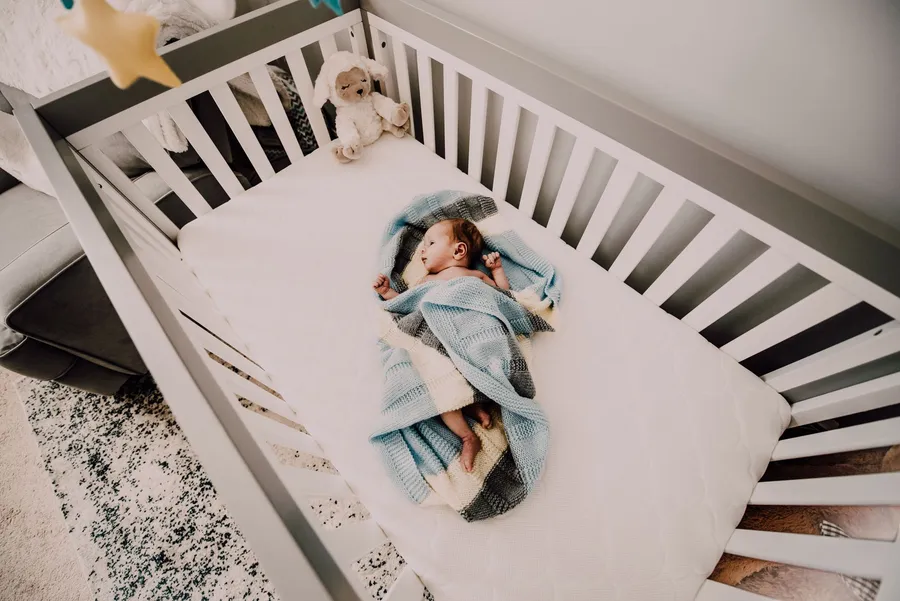
The DXR-8 PRO has been the default non-Wi-Fi pick for years, and the PRO version fixed what owners of the older DXR-8 complained about most: hiss. Its Active Noise Reduction strips out fan and white-noise background, so the parent unit stays quiet until the baby makes a sound. BabyGearLab rated that filtering the best in its group. You pan, tilt and zoom up to 3x from the 5-inch parent unit. The interchangeable lenses give a wider view once the crib turns into a toddler bed. The link is frequency-hopping 2.4 GHz: no router, no account.
 Illustrative image
- 5-inch 720p screen with Active Noise Reduction on the audio
- Private FHSS 2.4 GHz link: no Wi-Fi, no app, no account
- Remote pan, tilt and up to 3x zoom from the parent unit
- Interchangeable lens system (extra lenses sold separately)
- Claimed range up to 1,000 ft in open space
| Type | Video, no Wi-Fi |
|---|---|
| Screen size | 5" |
| Resolution | 720p |
| Connectivity | FHSS 2.4 GHz, no account |
| Battery life | about 6 h screen on, 11 h standby (claimed) |
| Coverage | up to 1,000 ft open space (claimed) |
Pros
- Cleanest audio in its class, with far fewer false wake-ups
- Pan, tilt and zoom from the parent unit, no trip to the nursery
- Nothing to update, no account, no cloud
Keep in mind
- Battery is the weak spot: about 6 hours with the screen on (claimed), so plan on the charger every night
- Owners report the range feels shorter than the 1,000 ft on the box once walls get involved
- Extra lenses cost extra
Who it is for: parents who want the clearest picture and sound without putting a camera on the internet.
HelloBaby HB6550: the budget 5-inch that takes four cameras
HelloBaby sells an enormous number of these, and the reason is simple: a 5-inch screen, a camera that pans 355 degrees and tilts 120, and a claimed 30 hours per charge in ECO mode, for a fraction of the Infant Optics. The trade is resolution. BabyGearLab and Mommyhood101 both describe the image as noticeably softer, and zooming in makes it blurrier. For checking whether a baby is asleep, fine; for reading a small face at 3 a.m., less fine. One parent unit takes up to four cameras.
 Illustrative image
- 5-inch IPS screen, camera pans 355° and tilts 120°
- Private FHSS 2.4 GHz link, no Wi-Fi or app
- Claimed up to 30 hours per charge in power-saving mode
- Expandable to four cameras on one parent unit
- Two-way talk, VOX mode, temperature readout, lullabies
| Type | Video, no Wi-Fi |
|---|---|
| Screen size | 5" IPS |
| Resolution | 480p-class panel |
| Connectivity | FHSS 2.4 GHz, no account |
| Battery life | up to 30 h in ECO mode (claimed) |
| Coverage | up to 1,000 ft open space (claimed) |
Pros
- Big screen and wide pan and tilt in the budget tier
- Up to four cameras, so a second child does not mean a second monitor
- Pairs out of the box, nothing to set up
Keep in mind
- BabyGearLab measured about 11.5 hours with the screen in regular mode, well short of the 30 claimed for ECO mode
- Night vision has a bright hot spot in the middle of the frame
- Some owners report the battery fading within a year
Who it is for: families on a tighter budget, or anyone planning to add a second camera later.
VTech VM819: the 2.8-inch unit that goes in the diaper bag
The VM819 is small, and that is the point. The 2.8-inch parent unit fits in a pocket, which makes it the monitor people pack for a grandparent's house. VTech rates it at 19 hours of video or 29 in audio mode, the longest claimed runtimes among the video models here, and the sound-activated screen stretches that further. The camera has no motor: you aim it by hand.
 Illustrative image
- 2.8-inch screen with automatic infrared night vision
- Secure digital link, no Wi-Fi, no app
- Claimed 19 hours of video or 29 hours in audio mode
- Sound-activated screen, talk-back intercom, temperature sensor
- Small parent unit that travels well
| Type | Video, no Wi-Fi |
|---|---|
| Screen size | 2.8" |
| Resolution | not stated |
| Connectivity | digital 2.4 GHz, no account |
| Battery life | up to 19 h video, 29 h audio mode (claimed) |
| Coverage | up to 1,000 ft (claimed) |
Pros
- Longest claimed video runtime in the group
- Compact and simple, a good travel monitor
- Temperature readout and talk-back included
Keep in mind
- Fixed camera with a narrow view: once the baby rolls out of frame, you walk in
- Reviews call dark scenes hard to read on the small screen
- Owners report runtime dropping after a few months of use
Who it is for: a second monitor for travel, or a first one for a small nursery.
VTech DM221: audio only, on DECT 6.0
Plenty of parents do not want a screen at all, and they have a point: staring at a video feed every time a baby rolls over is an efficient way to stop sleeping yourself. The DM221 runs on DECT 6.0, the same band family as cordless phones, which keeps it clear of Wi-Fi and microwaves. Consumer Reports and BabyGearLab both single out its sound: loud and clear, without the hiss that creeps into cheap 2.4 GHz units at the edge of range. VTech rates the parent unit at about 18 hours.
 Illustrative image
- Audio only over DECT 6.0, away from Wi-Fi traffic
- Claimed range up to 1,000 ft
- Rechargeable parent unit rated for about 18 hours
- Vibrating alert and five-level sound lights for a muted room
- Talk-back intercom and night light on the baby unit
| Type | Audio only |
|---|---|
| Screen size | no screen |
| Resolution | not applicable |
| Connectivity | DECT 6.0 |
| Battery life | about 18 h (claimed) |
| Coverage | up to 1,000 ft (claimed) |
Pros
- Clear audio and a claimed 18 hours per charge
- Vibration alert and sound lights for a muted room
- Cheap enough to buy as a backup for any video monitor
Keep in mind
- No picture, so you never learn why the baby woke
- The design is dated and the belt clip feels flimsy, per long-term reviews
Who it is for: parents who only want to hear, and anyone who wants a second listening post in the kitchen or garage.
Nanit Pro: the Wi-Fi camera for checking in from anywhere
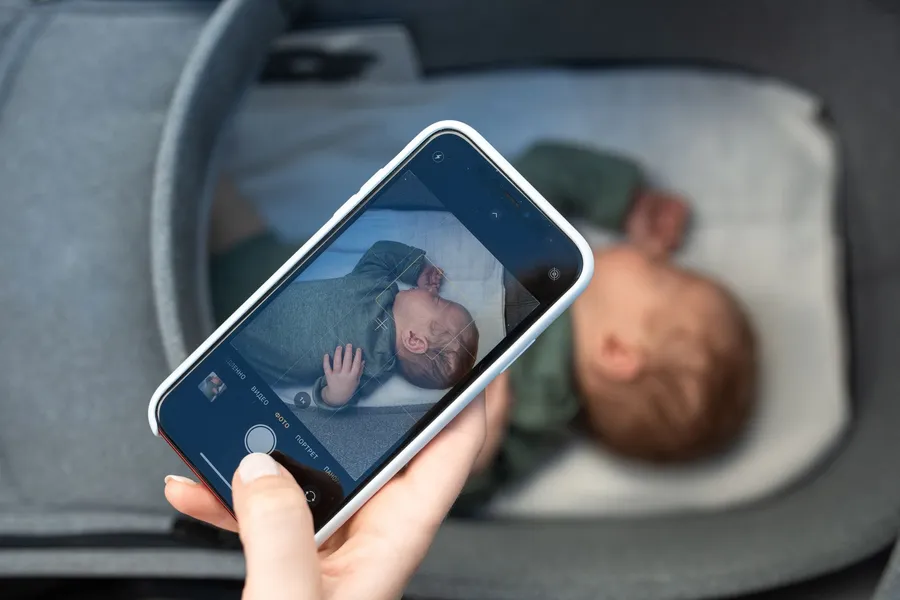
The Nanit is a different kind of product. It mounts on the wall above the crib, streams 1080p video to any phone signed in to the account, and shows two cameras side by side in the app. It also reports room temperature and humidity. The sleep-tracking extras sit behind an optional Nanit Insights plan once the included trial ends. Without it you still get live video, two-way audio and alerts, per reviews from Fathercraft and Today's Parent.
 Illustrative image
- 1080p Wi-Fi camera viewed from above the crib
- App on any phone, split screen for two cameras
- Temperature and humidity sensors, night light, white noise
- Wall mount with cord cover included
- Sleep-tracking features on an optional paid plan after the included trial
| Type | Video, Wi-Fi and app |
|---|---|
| Screen size | your phone |
| Resolution | 1080p |
| Connectivity | Wi-Fi 2.4 GHz + cloud |
| Battery life | not applicable (camera plugged in) |
| Coverage | anywhere with a data signal |
Pros
- Top-down view shows the whole crib, not just a corner
- Both parents can watch from work or a date night
- Sharpest picture in this guide, with a cord cover in the box
Keep in mind
- No dedicated parent unit: your phone is the monitor, and the app has to stay running
- Goes blind when the router or the internet drops
- Most of the analytics are part of a paid plan, and its breathing-motion features are not a medical device, so we give them no weight
Who it is for: parents who check in when they are away from home and are comfortable with an account and a cloud service.
Once the nursery years are over and the daily question becomes what goes in the backpack, our guide to the kids water bottle covers leak-proof lids and the right size for each age.
| Infant Optics DXR-8 PRO 5" Video Baby Monitor | HelloBaby HB6550 5" No-WiFi Video Baby Monitor | VTech VM819 2.8" Video Baby Monitor | VTech DM221 Audio Baby Monitor | Nanit Pro Smart Baby Monitor & Wall Mount | |
|---|---|---|---|---|---|
| Best for | Editor's pick | Budget pick | Travel | Audio only | Wi-Fi |
| Type | Video, no Wi-Fi | Video, no Wi-Fi | Video, no Wi-Fi | Audio only | Video, Wi-Fi and app |
| Screen size | 5" | 5" IPS | 2.8" | no screen | your phone |
| Resolution | 720p | 480p-class panel | not stated | not applicable | 1080p |
| Connectivity | FHSS 2.4 GHz, no account | FHSS 2.4 GHz, no account | digital 2.4 GHz, no account | DECT 6.0 | Wi-Fi 2.4 GHz + cloud |
| Battery life | about 6 h screen on, 11 h standby (claimed) | up to 30 h in ECO mode (claimed) | up to 19 h video, 29 h audio mode (claimed) | about 18 h (claimed) | not applicable (camera plugged in) |
| Coverage | up to 1,000 ft open space (claimed) | up to 1,000 ft open space (claimed) | up to 1,000 ft (claimed) | up to 1,000 ft (claimed) | anywhere with a data signal |
| Camera | pan, tilt, up to 3x zoom; interchangeable lenses | pan 355°, tilt 120°, digital zoom | fixed, aimed by hand, 2x digital zoom | no camera | fixed overhead view on wall mount |
| Price band | Mid-range | Budget pick | Budget pick | Budget pick | Premium |
| See on Amazon | See on Amazon | See on Amazon | See on Amazon | See on Amazon |
Wi-Fi or a private radio link
This is the one decision that changes everything else. The Infant Optics, HelloBaby and both VTech units talk to their parent units over their own link, frequency-hopping 2.4 GHz for the video models and DECT 6.0 for the audio one. No router in the loop, nothing to sign in to, nothing reachable from the internet. Plug in both halves and they find each other.
A Wi-Fi monitor like the Nanit routes the feed through your router and the maker's servers. What you gain is real: the nursery on your phone anywhere with signal, and on the other parent's phone at the same time. What you give up is independence: firmware updates, a password to protect, and a camera that goes dark whenever your internet does. For a newborn sleeping down the hall, a private link is the calmer choice. The app earns its place when you start leaving the house while someone else does bedtime. If you do go Wi-Fi, turn on two-factor authentication.
Range in feet, and what walls do to it
"Up to 1,000 ft" is measured in open space with nothing in between. In a two-story house with drywall, a furnace closet and a refrigerator in the path, that shrinks to a fraction. The complaint that the Infant Optics feels shorter-ranged than the box says is really a complaint about walls. The test on day one: turn everything on, walk to the farthest spot you need, and check that the audio stays clean for a full minute. If it does not, a Wi-Fi model riding on the router and the mesh points you already own can beat any private link.
Battery claims, VOX mode and the second year
Runtime is where the numbers get slippery. HelloBaby's 30 hours refers to ECO mode, where the screen stays dark and wakes only when the microphone hears something. With the screen on all the time the same unit lasts far less, as BabyGearLab's measurement shows. That sound-activated mode is called VOX, and its sensitivity has to be set by hand. Too low and you miss the quiet stirrings, too high and a truck outside wakes you. With an older sibling in the house, cartoons on volume limiting headphones behind a closed door remove most of the false alarms.
Plan on the charger every morning, whatever the box promises. The complaint that shows up most in long-term reviews is a battery that fades after a year of daily cycles, and it is not user-replaceable on any of these, so a model that also runs well while plugged in is worth more than a heroic runtime claim.
Where the camera goes, and nursery climate
Mount the camera a few feet from the crib, never on the rail, with every cord well beyond a child's reach. Infrared washes out anything close to the lens, and the Nanit's wall mount ships with a cord cover for this reason. All five run on a standard 120 V outlet, so check where the nearest one is before you pick a wall. The temperature readouts are cheap sensors mounted next to warm electronics: treat them as a trend, not a measurement. If the Nanit's humidity reading sits high through a damp season, a home dehumidifier in the hallway does more for the room than any monitor setting.
When it's worth it / Skip it if
It is worth it when the baby moves to the nursery and you cannot hear the room from bed, when the house has two floors, or when you leave the baby with someone else. Skip the Wi-Fi route if your internet drops often, because a monitor that goes quiet without warning is worse than none. Skip audio-only if you need to know why the baby woke, not just that they did. Skip a 5-inch screen if the nightstand is tiny and the glow bothers you. And skip any of these if you expect it to watch breathing: they are microphones and cameras, not medical devices.
Our verdict
For most families: the Infant Optics DXR-8 PRO. Clearest picture, quietest audio, and it never goes near the internet; keep the parent unit plugged in at night. On a budget, or planning for a second child: the HelloBaby HB6550, with the big screen and the swinging camera for much less and room for more cameras later. To check in from anywhere: the Nanit Pro, if you are comfortable with Wi-Fi, an app and an optional paid plan. If listening is enough, the VTech DM221 costs little and just works. Baby monitors show up in Amazon's October Prime Big Deal Days and Black Friday sales, but if the baby is already here, buy now: none of these is about to be replaced.
See it on Amazon.com Paid link
Sources and criteria for this guide
We work from manufacturer spec sheets and manuals, owner reviews read months after purchase, and the specialist press (BabyGearLab, Consumer Reports and Reviewed among them). We weigh four things, in this order: a link that does not drop, a parent unit that makes it through the night, a screen you can read half asleep, and how much account admin the product demands. Lullabies and feeding reminders carry no weight. It is the same filter behind our guide to choosing a school backpack: claimed specs first, then what owners say once the novelty is gone.
Frequently asked questions
Is a baby monitor without Wi-Fi safer?
Can I use a baby monitor without a subscription?
How far from the crib should the camera go?
How long does a baby monitor battery really last?
Do I need a video baby monitor or is audio enough?
As an Amazon Associate I earn from qualifying purchases.

Emily Carter
Editorial byline of the English edition for home, kitchen and beauty. Angle: what verified reviews say happens after a month of use, and the cheap products that surprise.
Guide produced by the editorial team with AI tools from verified sources and published under the editorial responsibility of Andrea Bertolotti. How we work · Report an error
You may also like

Best Kids Water Bottle for School: Which One to Buy
Insulated steel or lightweight plastic, straw, bite valve or spout: the four kids water bottles we recommend, from preschool to middle school.

School backpack: how to choose one from elementary to high school
How many liters a school backpack needs, how much it should weigh loaded and when a laptop sleeve matters: three US picks compared, from elementary to high school.
Dual basket air fryer: is it worth it, and which one to buy
When a dual basket air fryer is worth the counter space, what Sync Finish and Match Cook actually do, and the two US models we recommend.
The best guides, once a week
No spam: only products worth knowing about and deals that make sense.